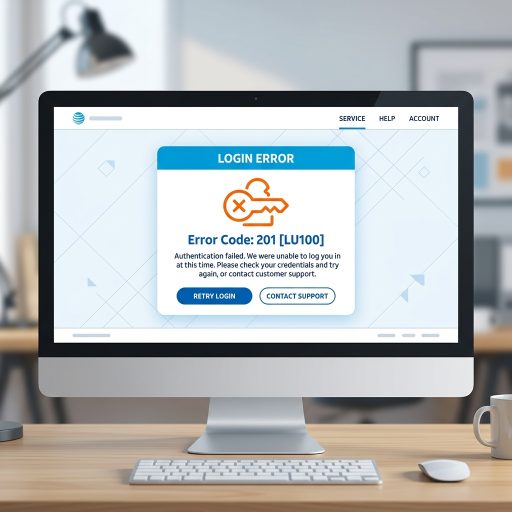
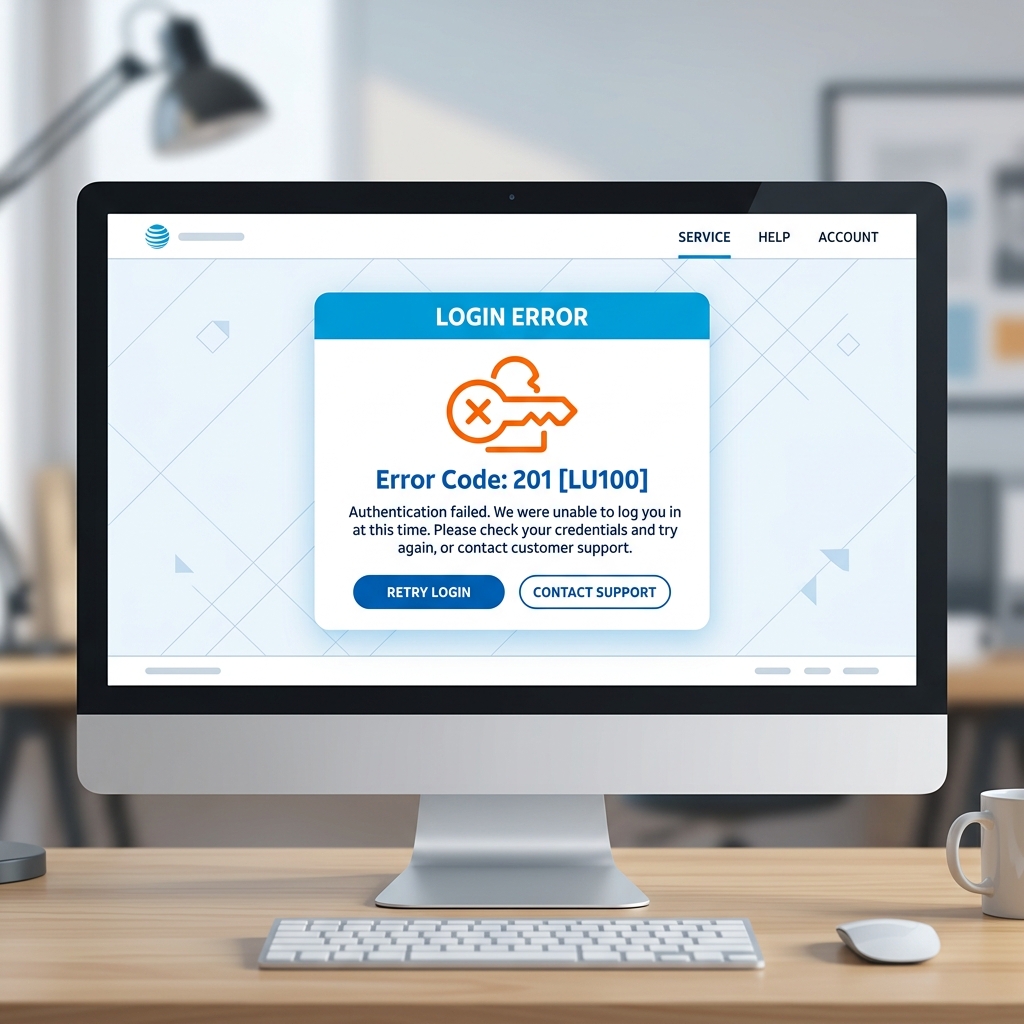

Encountering the care code: 201 [lu100] means your AT&T, DIRECTV, or currently.com account has been locked due to too many failed login attempts.
💡 Quick Answer: How to Fix Care Code 201 [LU100]
This is a Login Error caused by too many failed Authentication attempts. To resolve it immediately:
- Temporarily disable your Password Manager (like LastPass) and browser auto-fill.
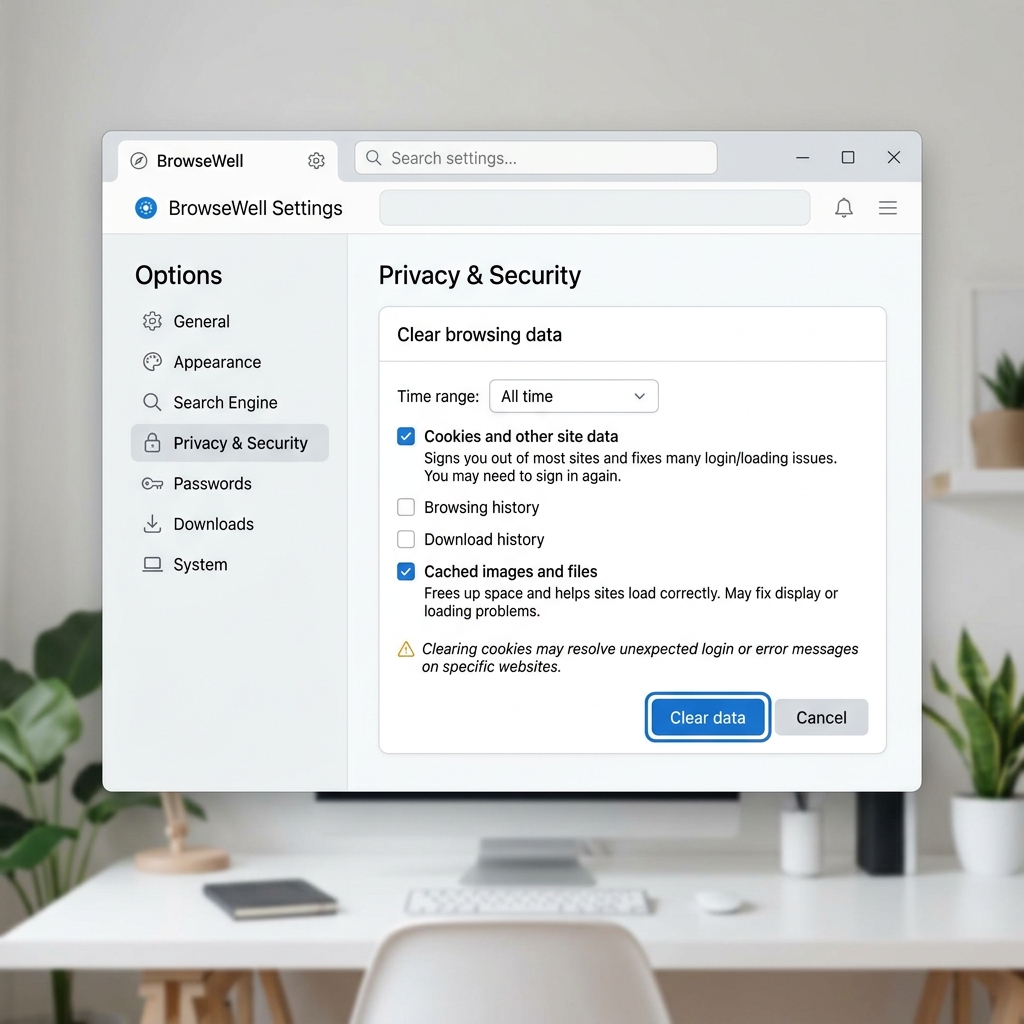
- Clear your Browser Cache and cookies.
- Perform a Password Reset using your AT&T or DIRECTV User ID.
- Wait for the system to resync (this can take 24-72 hours in rare cases).
What Causes the 201 [LU100] Lockout?
The care code 201 lu100 specifically triggers when the authentication servers detect a brute-force or repeated failed login scenario. In most cases, it is not actually a human typing the wrong password.
1. Background Syncing Issues
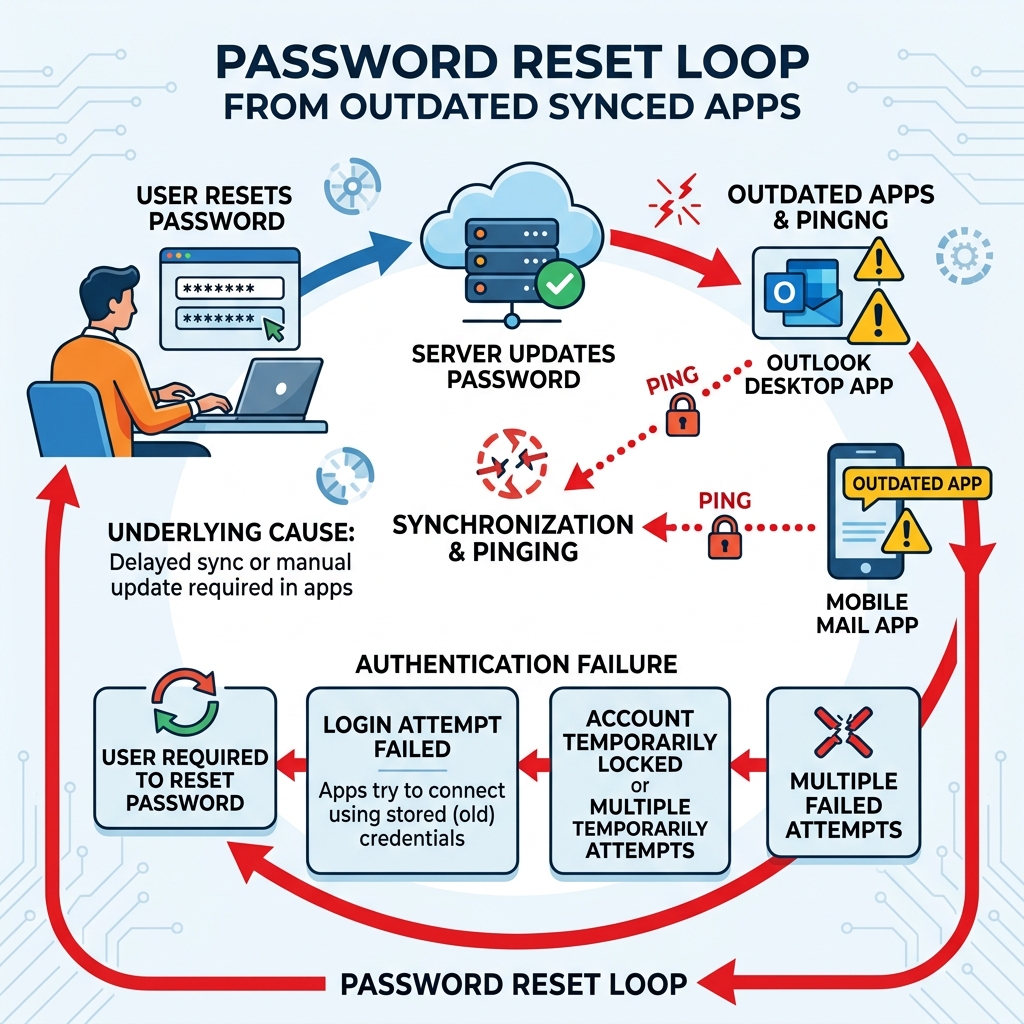
Often, old passwords saved in background Syncing Issues apps (like Outlook or native mobile mail clients) can trigger the “too many attempts” lockout automatically. Every time your phone checks for new emails, it pings the server with outdated credentials, locking you out before you even open a web browser.
2. Account Migration Mismatch
For former satellite customers moving to streaming services, an Account Lockout frequently happens due to backend account mismatches. Make sure you are using the correct currently.com or AT&T User ID linked to your active subscription instead of an old, deactivated profile.
How to Troubleshoot and Fix the Error
If you are stuck in an infinite password reset loop, follow these advanced steps or contact Technical Support.
- Isolate Your Devices: Turn off Wi-Fi or cellular data on all your secondary devices (tablets, phones) that might be checking your email in the background.
- Clear Data: Wipe your browser cache, and ensure no password manager is auto-injecting an old password into the login fields.
- Wait it Out: After a successful password reset, AT&T’s security systems may require a 24 to 72 hour waiting period for the new credentials to fully propagate across all servers. Do not attempt to log in during this resync period, as it may trigger another lockout.
Frequently Asked Questions
How long does the care code 201 [LU100] lockout last?
The temporary lockout typically clears after 12 to 24 hours. However, if you perform a password reset, you may need to wait up to 72 hours for the system to fully resync and grant access.
Why does it say too many failed attempts when I haven’t tried?
This is usually caused by email clients like Outlook or smartphone mail apps continuously trying to fetch new emails using an expired password stored in their background settings.